
A sat-nav on the dash
- Routes for a car, not a loaded lorry
- No idea of the trailer's height or weight
- Low bridges and weak bridges found on arrival
- A separate device, nothing to do with the job
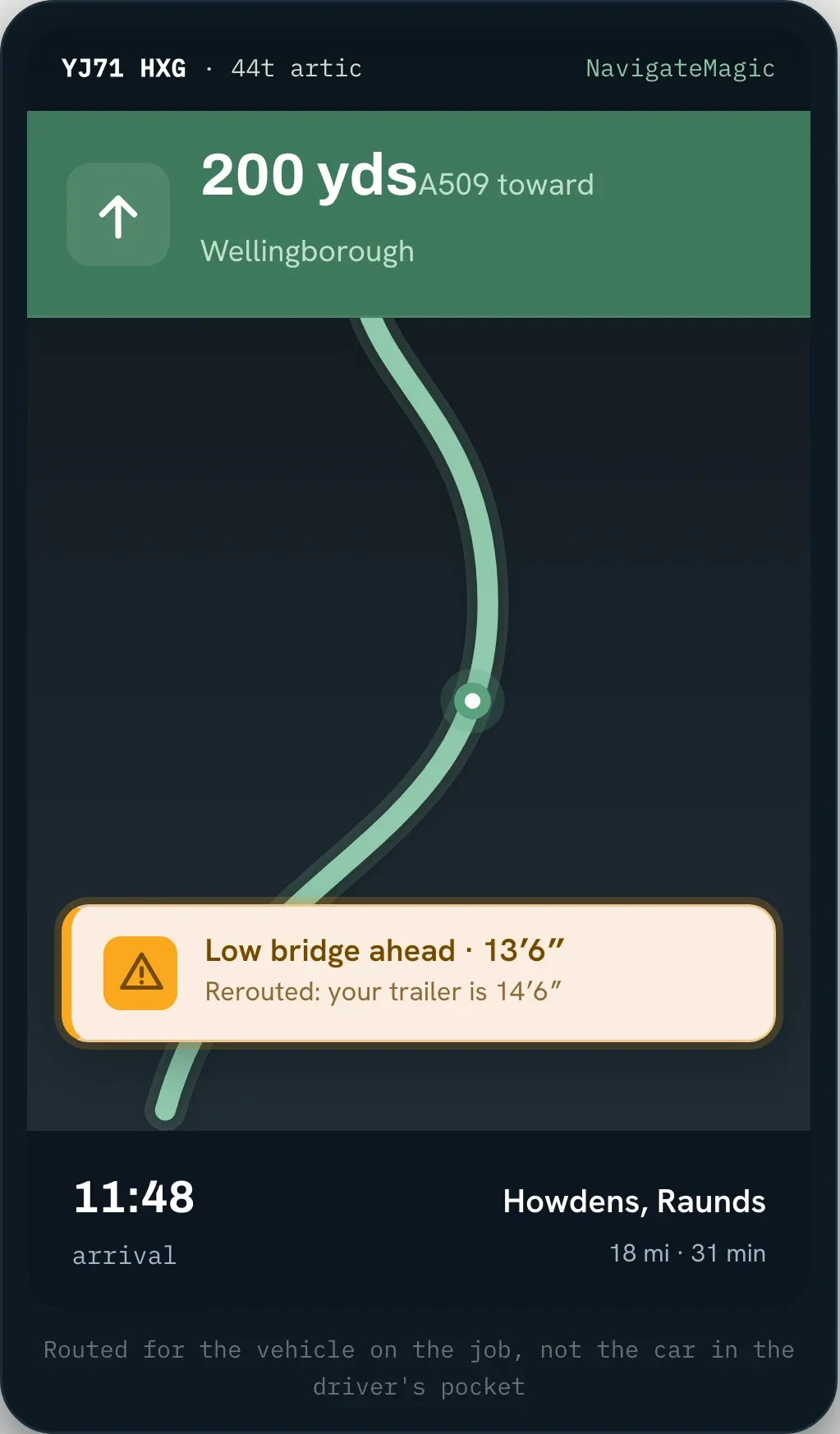
NavigateMagic is the in-truck navigation inside HaulierMagic, the transport management system that knows the truck's height, weight and length. It guides the driver to the drop by voice, around the low bridges and narrow roads a loaded truck can't take. Built into the job, not a sat-nav on the dash.
Trusted by UK haulage operators








Leave routing to whatever app the driver has, and it plans like it would for a car. It doesn't know the load is 44 tonnes. It doesn't know the trailer's height. So it sends a loaded truck down a road that's too narrow, or under a bridge that's too low. The driver finds out the hard way: a closed road, a damaged trailer, a DVSA report and a day lost.
NavigateMagic is a chargeable add-on to the platform. Open any stage for the flow it follows, or the full list behind it.
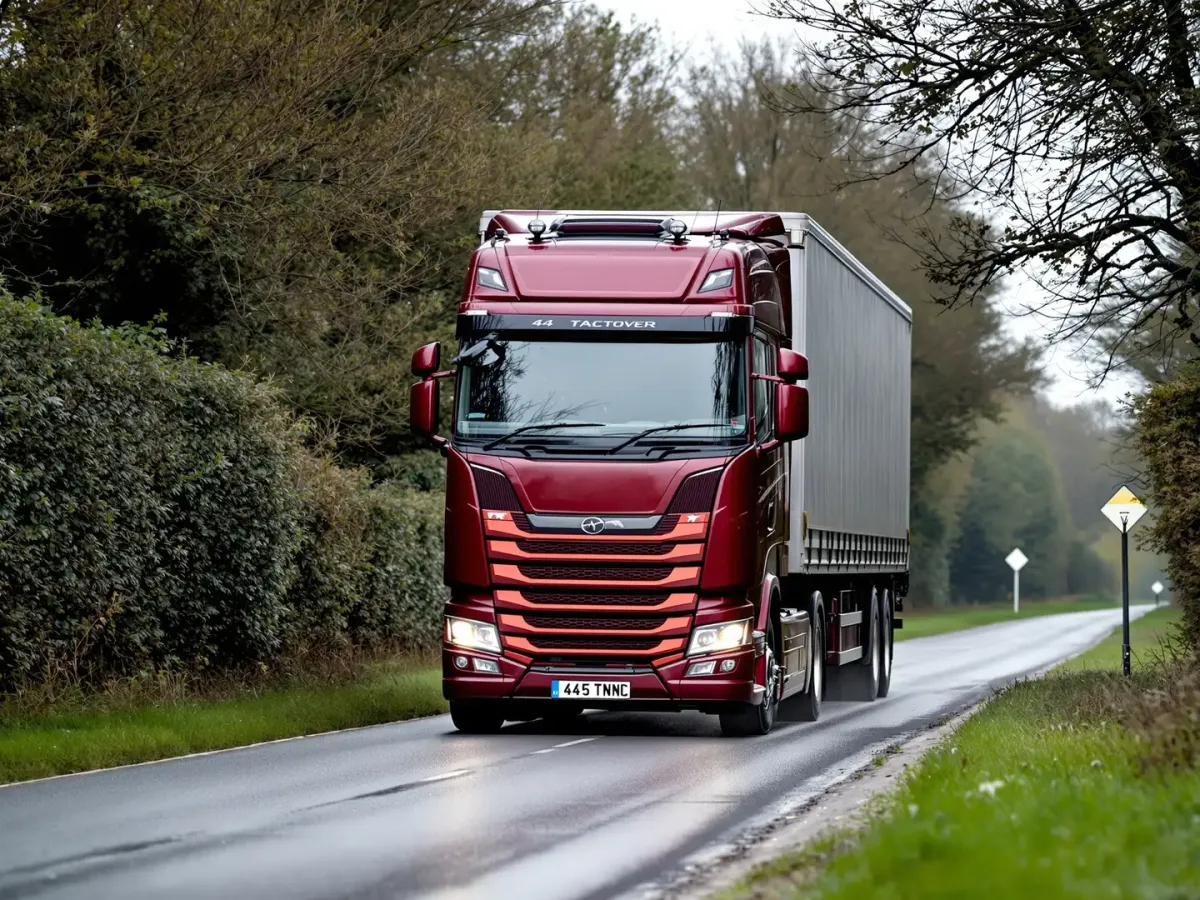
Routing runs on a vehicle profile rather than a generic one, and the same engine produces the drive time, distance and mileage behind every leg of every run.
Navigation raises two kinds of alert: a low bridge on the route ahead, and a change to the planned route. Both are recorded against the driver and vehicle with a timestamp.

The same engine that routes the leg measures it, and that mileage feeds the reports that tell you what a customer, a vehicle or a lane really costs to serve.
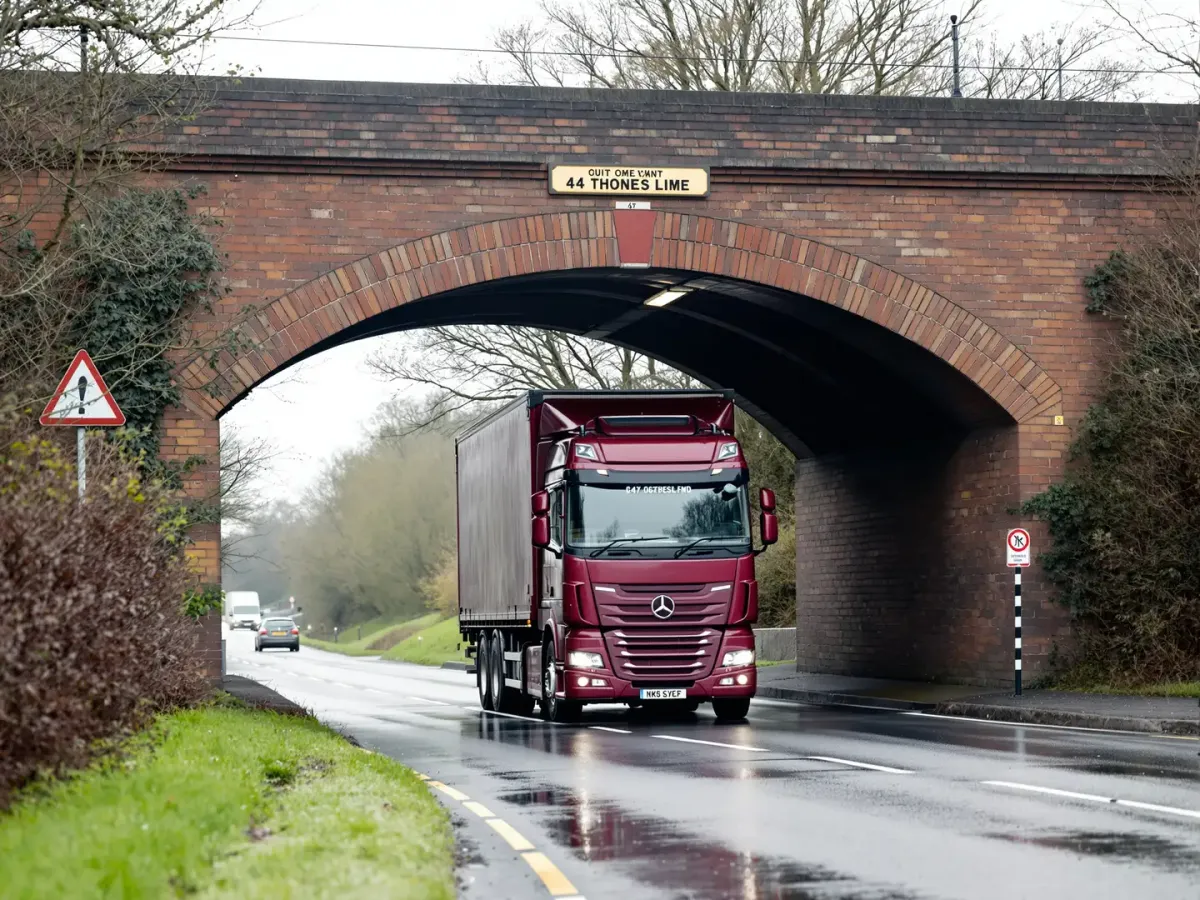
Most strikes start the same way: the truck's real height never reaches the sat-nav, so it sends a loaded truck under a bridge it can't clear. What follows is rarely small, and nearly all of it is avoidable.
Add up the vehicle damage, the recovery, the repairs, the missed deliveries and the insurance, and one strike can cost more than years of software. It's one of the most expensive avoidable incidents in haulage, and a route that knows the truck's height is how you stop it.
A height-aware route and an early low-bridge warning take the most damaging wrong turn off the table, before it costs you a truck and a day.
Position tracking counts the empty running and a sub's real mileage, so you can check what you're billed against what really happened.
Prefer their TomTom? NavigateMagic is optional. Leave it off and drivers use their own, or turn it on where it earns its place. Your call, per driver.
Since using a TMS system, planning has become much simpler, saving time and creating full visibility whilst allowing the drivers to go paperless using the mobile app.
Gary Dale Stears Haulage Limited The truck and its trailers carry their height, width, length and weight. With the truck, trailer and driver on the job, NavigateMagic plans the route to fit them, so it suits the truck actually doing the work.
Yes. NavigateMagic keeps the route clear of low bridges for the vehicle's height and warns the driver in good time, rather than letting them discover a restriction at the bridge itself.
It's optional, and a per-driver add-on. Leave it off and drivers use their own device, like a TomTom, or turn it on for the drivers and routes where HGV-safe guidance matters.
It's part of the HaulierMagic Driver App, so it runs on the driver's phone alongside their jobs and proof of delivery. There's no separate satnav unit to buy or mount.
NavigateMagic tracks the truck's position all day, not just collection to drop, so it counts the empty running between drops. Run it on subcontractor trucks and you see their real mileage to check against what they invoice.
Yes, it's a chargeable add-on charged per driver on top of the core platform. You only pay it for the drivers you turn it on for. We'll give you the current figure on a demo.
Book a demo and we'll put one of your vehicles on a job and route it with NavigateMagic, height, weight and all, so you can see the difference between HGV-safe guidance and a sat-nav on the dash.
Thank you
Your request has been received.