Driver day, the old way
- Job details on WhatsApp, hard to find
- Paper POD loose in the truck, sometimes lost
- Walkaround on a clipboard, rarely checked
- Phone calls to the office for every change
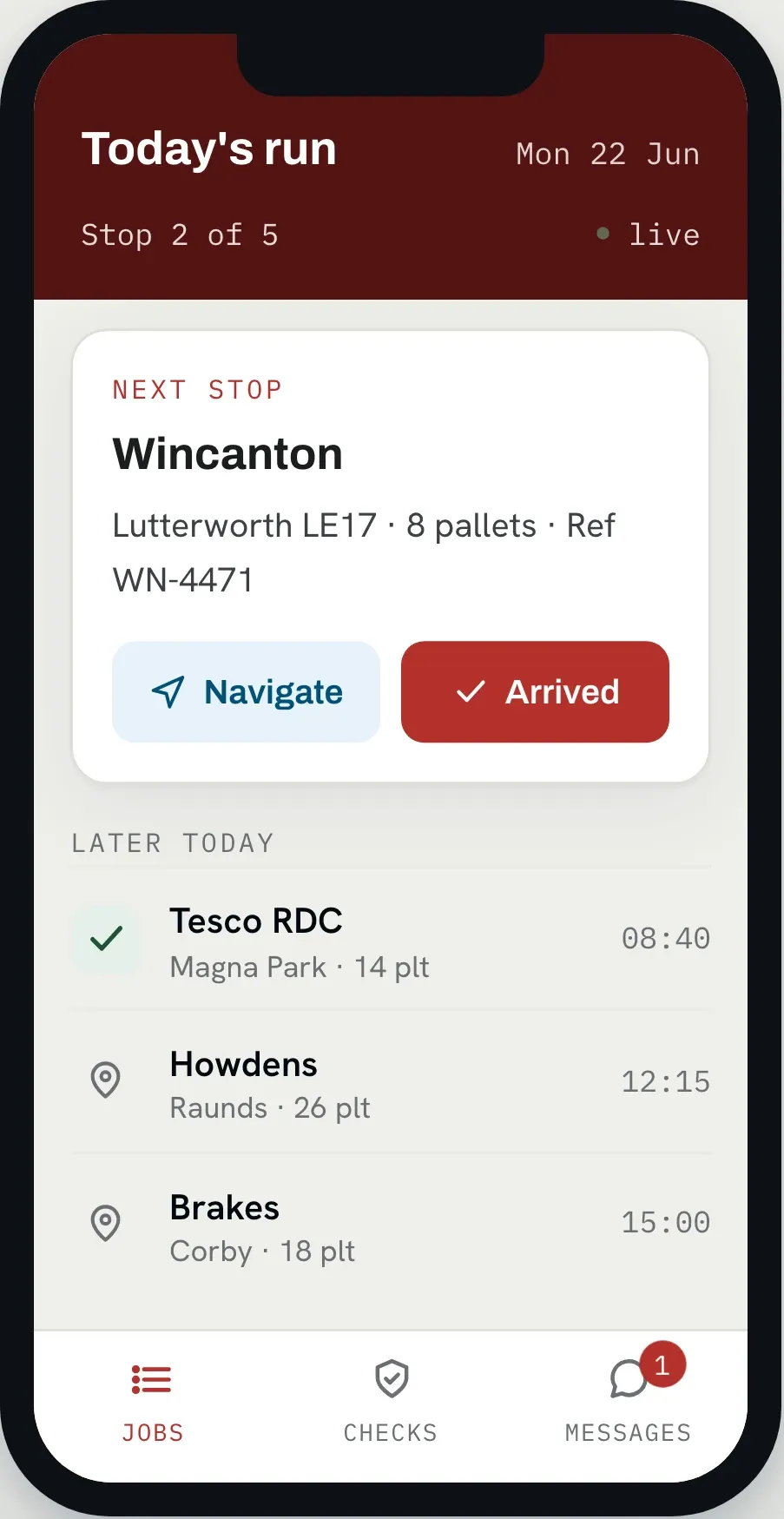
The HaulierMagic driver app gives HGV and haulage drivers their jobs, HGV-safe navigation, ePOD, messaging and walkaround checks in one place. No more WhatsApp threads. No more paper PODs loose in the truck. No more phoning the office for the next drop.
Trusted by UK haulage operators








When the run is on paper and proof of delivery comes back hours later, the office is guessing. A wrong address, a missed pallet or a damaged load only surfaces once the driver is home, and a check scribbled on a pad is no defence when the DVSA calls.
The app walks the driver through the day one screen at a time. Open any stage for the flow it follows, or the full list behind it.
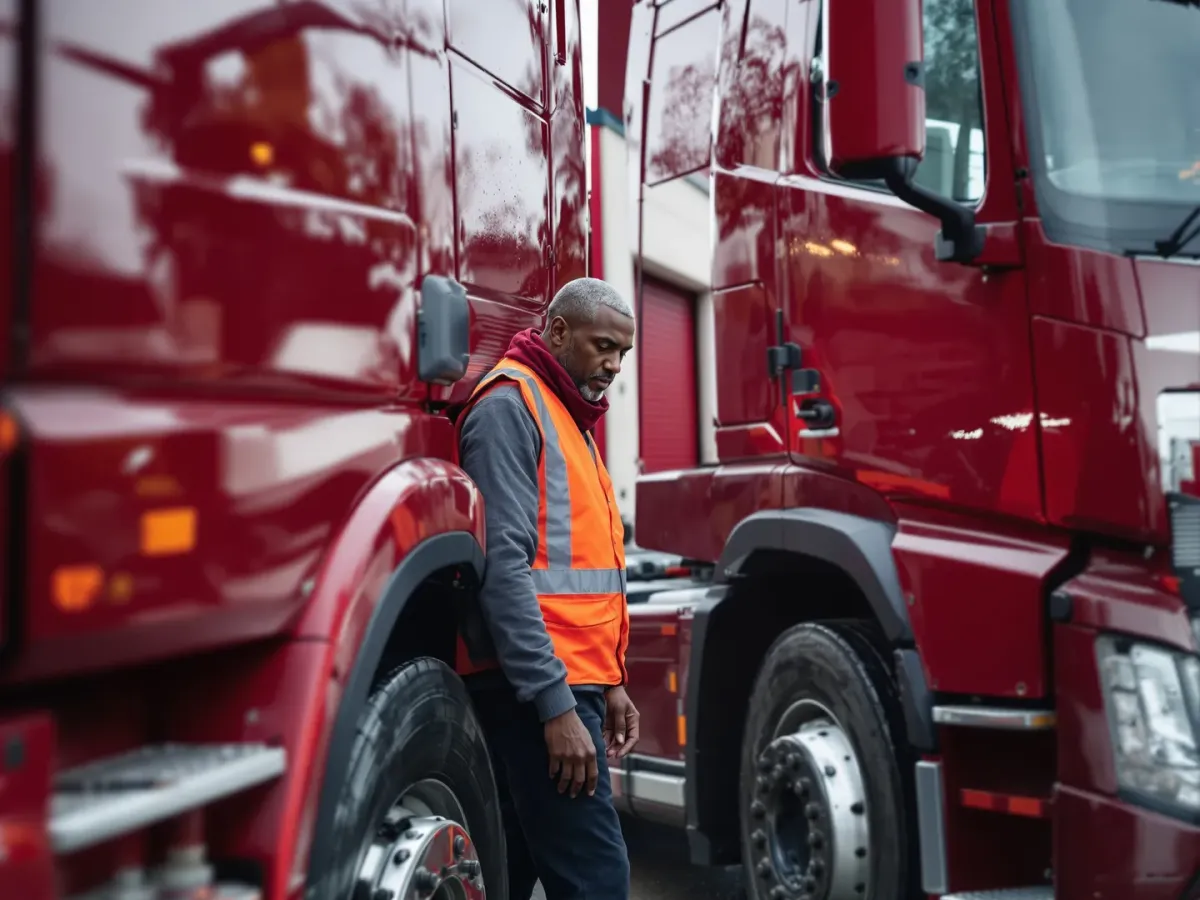
The driver signs in, confirms vehicle, trailer, straps and shift length, and works the walkaround checklist. A defect at error severity stops the shift and puts the office number on the screen.
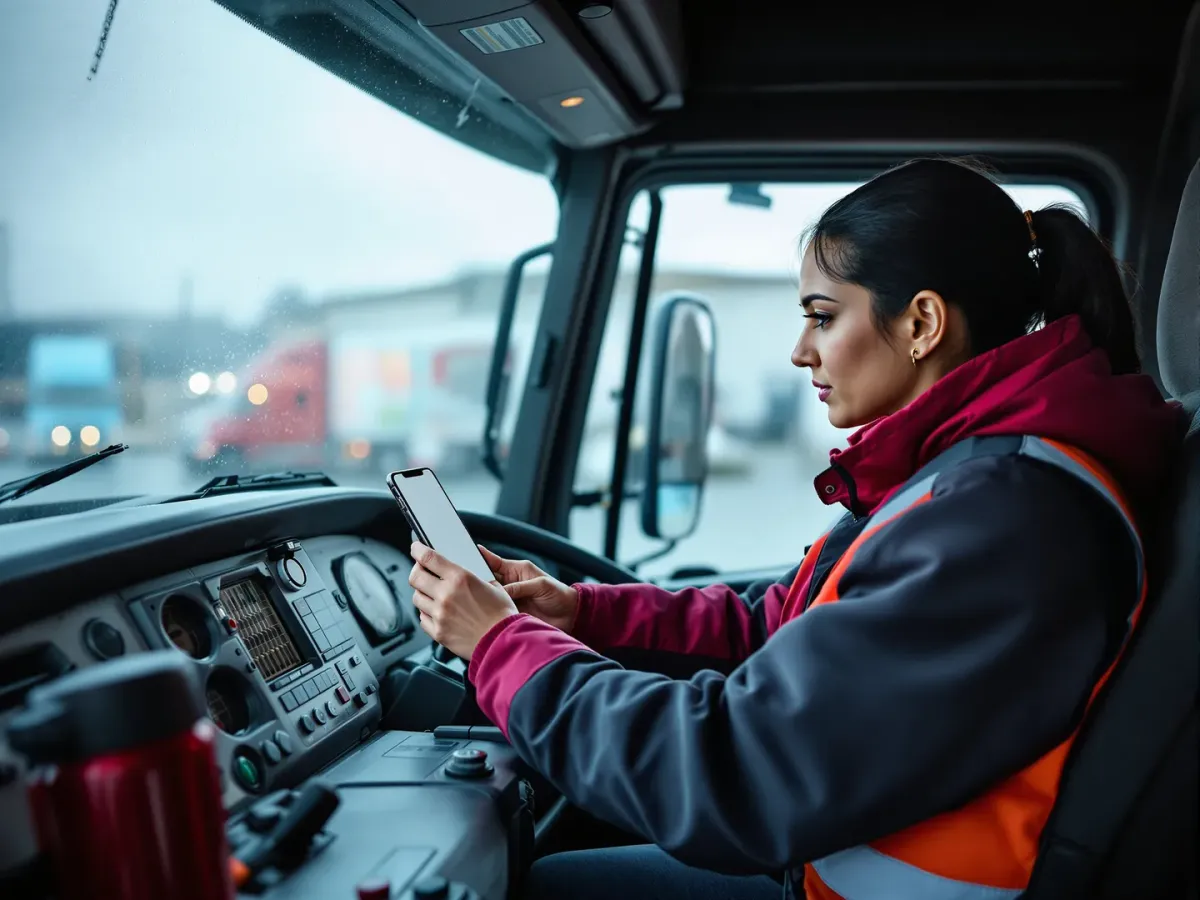
The manifest lists the stops in sequence. The driver opens the paperwork, drives, and works each stop in turn, while traffic can re-plan around them and the new stops sync in.

The driver counts against the order rather than confirming it. A mismatch cannot pass without a claused reason, and a forced photo cannot be skipped.

PODs arrive pending, a reviewer approves or rejects them, and only approved proof reaches the customer. Stops still missing proof surface on their own report for chasing.
A Cumbrian haulier, seventeen vehicles, measured over five months against the same period the year before. The checks were always required. Now they are actually done, and filed.
Vehicle checks and tickets used to come back to the office hours or days later, if they came back at all. With the app in the drivers' hands, the paperwork arrives as the day happens.
It's built for one-handed use in the truck or at the tail-lift, with big targets and a short path to every task. Drivers are generally comfortable on day one, and there's nothing to learn beyond their normal routine.
Yes. Jobs, addresses, references, walkaround forms and ePOD capture all work offline. The moment the signal returns, everything syncs back to the office in the background.
Signatures on glass, photos of the load or any damage, delivered quantities and free-text notes. Each POD is timestamped and geotagged, then synced to the office and the customer portal.
iOS and Android. Drivers can use their own phone or a company device. No specialist hardware required, no rugged terminals to buy.
Drivers are generally comfortable inside a single shift. The app is built around how a driver actually moves through the day, not around how a piece of software wants to be used.
Yes. Two-way messaging is tied to each job, so the conversation stays with the work it's about, not buried in a WhatsApp thread three weeks deep.
The driver photographs and notes the defect in the app. It flags to the workshop and the TM immediately, and the vehicle is held until it's signed off. Every step is recorded.
Yes, on their own phones, so the office sees the same job status whether the load is on your fleet or a sub's. The one condition is that you provision them as a driver on your tenant first, the same as anyone else who uses the app.
Book a demo and we'll walk through a real driver shift in HaulierMagic, from sign-on to sign-off, so you can see exactly what the app puts in front of your team.
Thank you
Your request has been received.