Without a portal
- Customers phone and email for every status
- PODs dug out and re-sent by hand
- The office stops planning to answer the phone
- "I never got proof of that delivery"
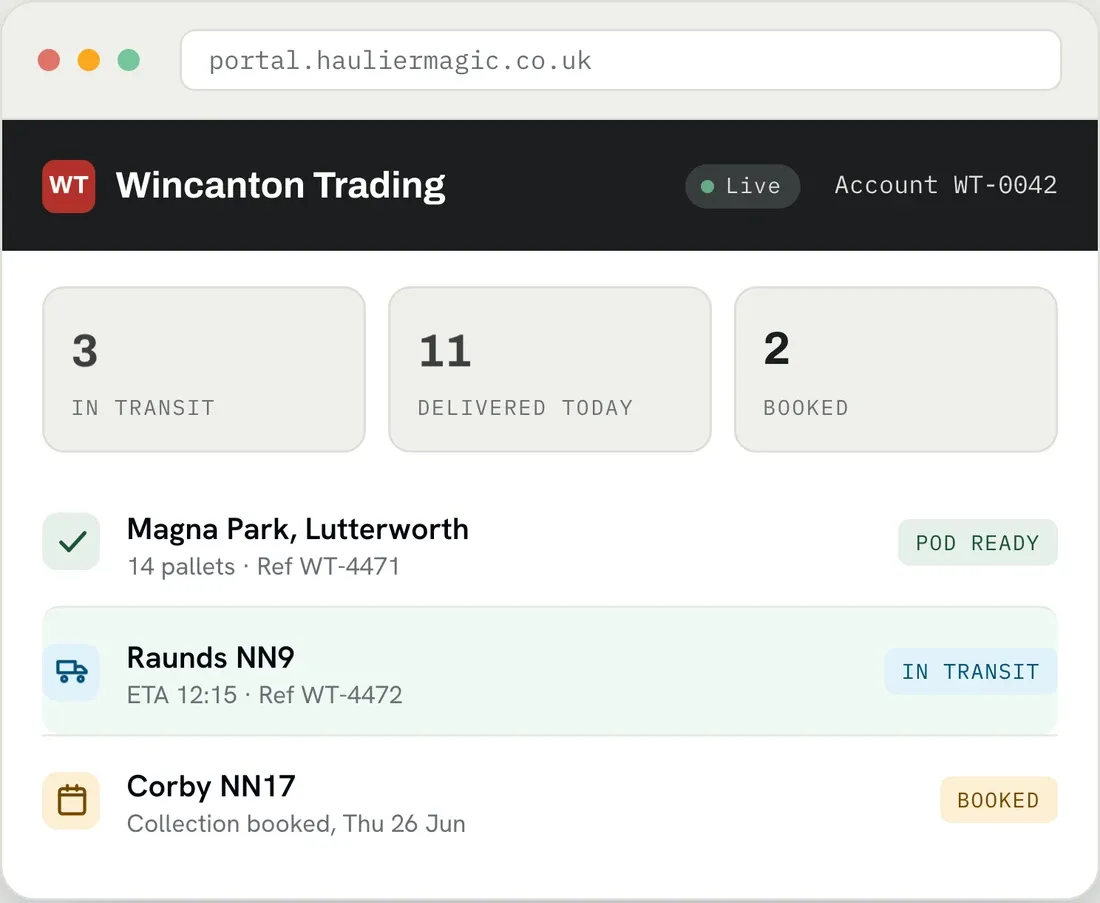
The HaulierMagic Client Portal gives each of your customers a secure login of their own, where they book jobs, follow loads live and download their own PODs. What your office currently reads out over the phone, the customer can get themselves.
Trusted by UK haulage operators








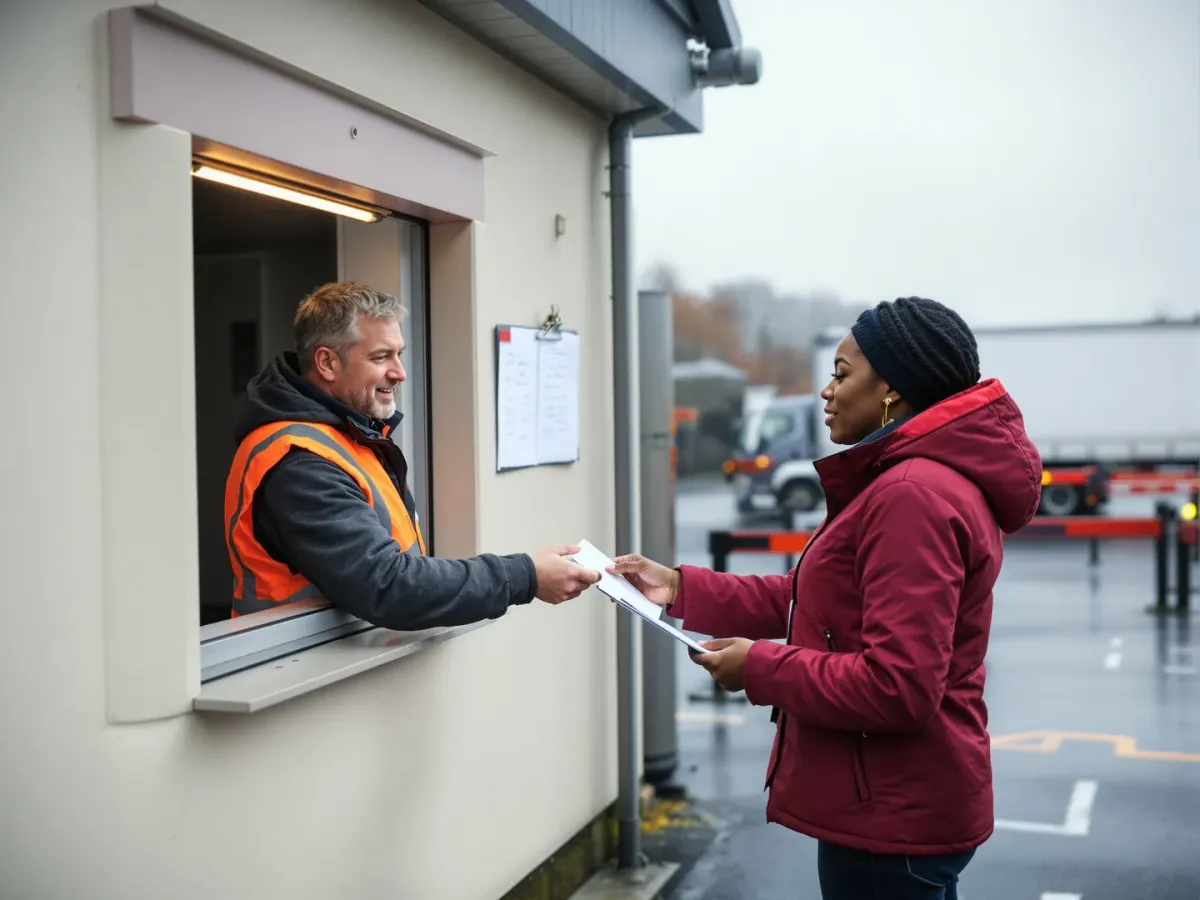
Every "where's my load?", every "can you resend that POD?", every "did it go today?" lands on the same two people who are already planning the work. The information exists, it's just locked in your office, so the only way a customer gets it is to phone in and pull someone off the job.
A login of their own, scoped to their own work. Open any stage for the flow it follows, or the full list behind it.

A dashboard of their own orders and status, live ETAs on anything running, approved proof of delivery with photos and notes, and invoice PDFs with payment status.

Where you switch it on, customers raise their own orders in the portal. They land in your workflow like any other order and follow your approval rules.
Portal users are read-only and scoped to their own organisation. They never reach another customer's data, and your commercial position stays on your side of the wall.
Subcontractors get their own interface built around winning work: the open quotes, and a place to bid. Your commercial position is not in it.
A Cumbrian haulier, seventeen vehicles, measured over five months against the same period the year before. Same office, same phones, more customers on the books.
The same office, the same phones, and half again as many customers billed each month. Answering "where is my load" stopped being a job somebody did all morning.
No. Each login is locked to that customer's own jobs, loads and paperwork. You set what each account can see, and one customer can never see another's loads, rates or PODs.
Yes. The portal and its screens can carry your own colours and logo, so customers log into something that looks like your business, not a generic third-party tool.
Yes. A booking raised in the portal lands in your system as a job, with the customer's addresses, references and dates already on it. Your planner works it like any other job, with nothing to rekey.
As soon as the driver captures it in the Driver App. The signature, photos and delivery notes sync straight through, so the proof is in the customer's portal within seconds of the drop, not at the end of the day.
It's the same live data, filtered to their loads. The ETAs come from the same source your office and Arrivals Board work from, re-timed as your drivers check in, so the customer never sees a different story to the one you're seeing.
No. The Client Portal runs in a web browser on any device. Customers log in with their own details, on a desktop or a phone, with nothing to download.
Book a demo and we'll show you the Client Portal from both sides: what your customer sees, and how their bookings, tracking and PODs sit inside the work you already plan.
Thank you
Your request has been received.